
01
Scope one playable loop
Define the action, feedback, failure, restart and non-goals before producing content.
Independent Roblox & indie game education
Practical Roblox Studio and Luau learning, from the first mechanic to multiplayer testing and thoughtful updates.
Plan a small build. Test what matters. Keep a useful record.

About the developer
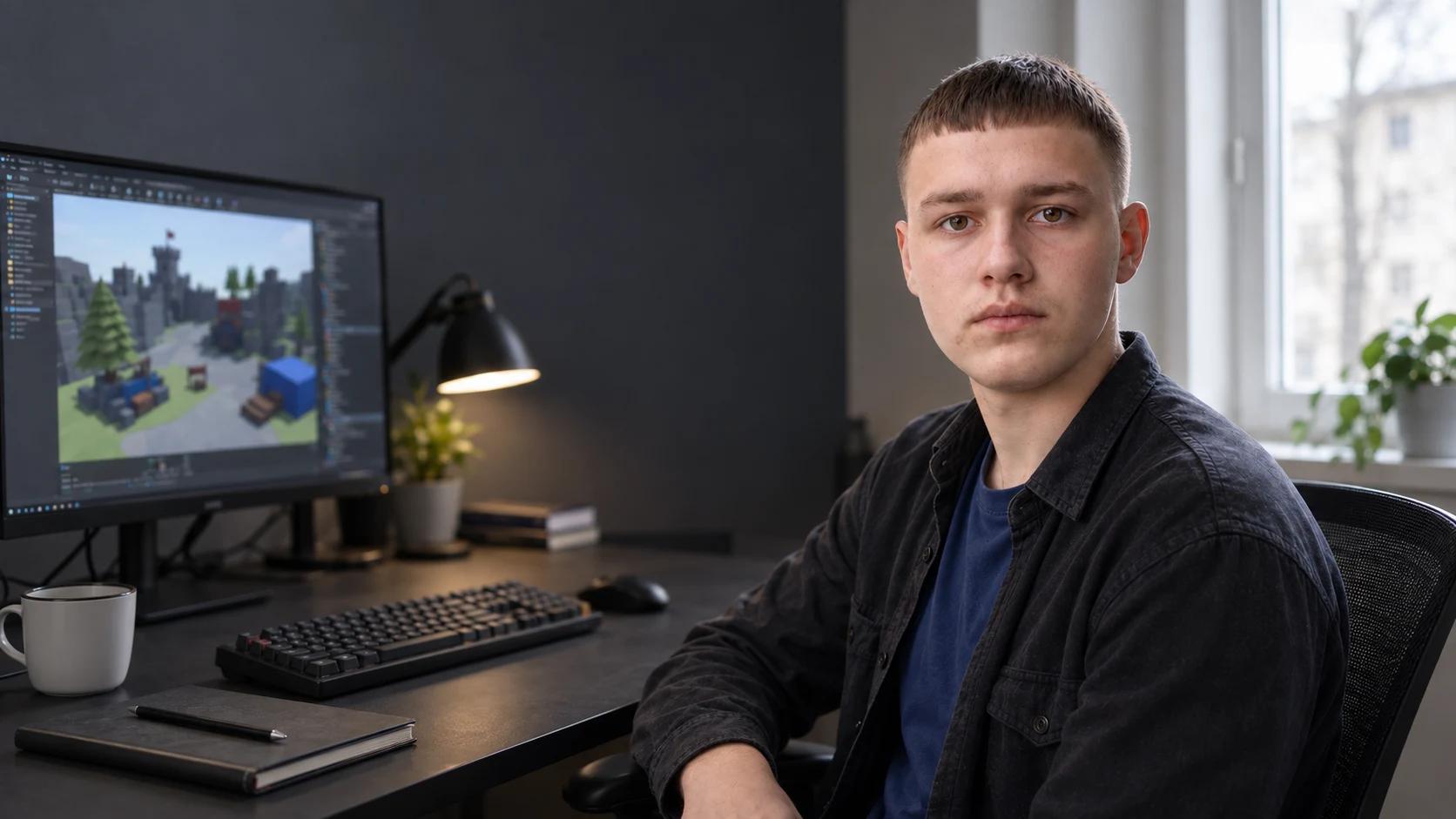
Pavlo develops indie games and Roblox mini-games and turns repeatable production work into structured digital education: core loops, Luau systems, multiplayer boundaries, saved progression, playtesting and updates.
The approach starts with a small question: what does the player do, what happens next, and how will you know it works? Each step connects design choices to a prototype you can inspect and improve.
The eight-part production loop
Each stage creates working behaviour or a review record. Current official platform documentation always takes priority over a lesson example.
Define the action, feedback, failure, restart and non-goals before producing content.
Build the smallest blockout that can prove whether the interaction is understandable and repeatable.
Separate state, events, modules and configuration so behaviour can be traced and changed.
Keep the server authoritative and validate context, values and frequency for remote requests.
Plan saved data, retries, schema change, disconnects and recovery before rewards depend on it.
Observe onboarding, confusion, failure and replay behaviour across realistic devices and roles.
Check performance, content maturity, asset rights, UI, input and current publishing requirements.
Version the candidate, record known issues and test one evidence-led update at a time.
Three ways to begin
The home page previews three levels. The catalogue compares all seven products and opens a permanent full description before any order action.
$27
Reduce a broad Roblox idea to one playable loop, a first-session map and a realistic prototype boundary.
Ordering appears only after the complete product description.
$349
Build, test and document an original multiplayer mini-game from scoped mechanic to private release candidate.
Ordering appears only after the complete product description.
$1,100
Open the complete Roblox production path plus engine-agnostic indie design, playtesting and release manuals.
Ordering appears only after the complete product description.

The systems track
Lessons connect Luau structure to visible game behaviour: who owns state, what the client may request, what the server validates and how failure is surfaced without corrupting progress.
Four connected tracks
Design, implementation, playtesting, release and maintenance are treated as one production lifecycle.
Core loops, scope boundaries, onboarding, progression and prototypes that answer real questions.
Modules, client-server contracts, persistence, recoverable failures and maintainable project structure.
Build records, cross-device cases, observation sheets, defect triage and before-and-after evidence.
Version history, analytics questions, content updates, incidents, rollback and transparent limitations.
Start with something you can use
Six prompts, one prototype brief and a playtest record. Try the approach now with a free two-page worksheet and browser exercise.
Open the free practice →FREE WORKSHEET · 2 PAGES
Before and after the system
Before
After
The playtest track
Each session ties a specific build and device to a task, observation and severity. The goal is not to collect praise; it is to find the next uncertainty worth testing.
What the work produces
Know what the prototype must prove and what stays outside the first build.
Connect action, feedback, outcome and restart into one testable sequence.
Explain which work belongs to the client, server, data layer and shared modules.
Record validation, permissions, rate limits and failure cases for meaningful requests.
Connect build, device, task, observation and severity instead of collecting vague opinions.
Track releases, defects, decisions and platform checks after the first candidate.
Versioned learning
Roblox Studio and platform policy evolve. Technical compatibility depends on the version used, the examples and later platform changes. Ask about the review date and supported baseline for your chosen product before purchase.

From the notebook
Short notes on scope, systems and the next useful playtest.

Turn a big game idea into a small question you can answer with a prototype.
Record the build, task and observation so feedback can lead to a specific change.

A simple shop interaction makes client and server responsibilities easier to explain.
Questions before purchase
Every important order condition is available on the public site and permanent product pages.
Yes. The first manual begins before code, while the core course introduces Studio and Luau through one complete project. Every product page states its own requirements before ordering.
The current catalogue is built around prerecorded lessons, downloadable original place files and manuals. No live cohort, private code review or personal mentoring is included unless a product page is explicitly updated before purchase.
No. The products teach design, implementation, testing and release preparation. Roblox controls moderation, discovery and platform requirements, while players decide whether to engage. No approval, ranking, player, Robux, revenue or income outcome is promised.
Roblox Studio and platform features change. Check current Creator Hub documentation and contact support for the product’s technical review date, supported versions and known limitations before purchase.
Yes. The free First Playable Loop worksheet includes six browser prompts, a printable PDF and a downloadable text brief. No account, card or purchase is required.
Buyers provide a compatible Windows PC or Mac, a Roblox account, current Roblox Studio, reliable internet and any properly licensed assets or third-party tools required by their own project.
Refund requests are handled under the published refund policy and applicable statutory rights. Access state, downloaded materials and any consumed digital service are considered transparently before a decision.
Choose by the next production decision
Open the complete scope, requirements and exclusions before contacting the seller or ordering.
This is an independent educational service and is not affiliated with, sponsored by, or endorsed by Roblox Corporation. Roblox and Roblox Studio are trademarks of Roblox Corporation. Platform names are used only to identify the tools discussed.